CryptoCHAT
CryptoCHAT v1.0b, by bretthq.com, is a self-hosted, end-to-end encrypted chat room that you fully control. The "b" means beta — this is the first test release.
Why regular chat isn't private
Ordinary chat systems — Facebook Messenger, IRC, ICQ and the like — send your messages as clear text. Everything between you and the recipient, including the servers in between, can be logged, monitored, or intercepted with something as simple as a proxy or a packet sniffer.
How CryptoCHAT works
CryptoCHAT is a group chat system similar to IRC, except you run and control the whole thing yourself. It ships as two small Windows programs: a server and a client.
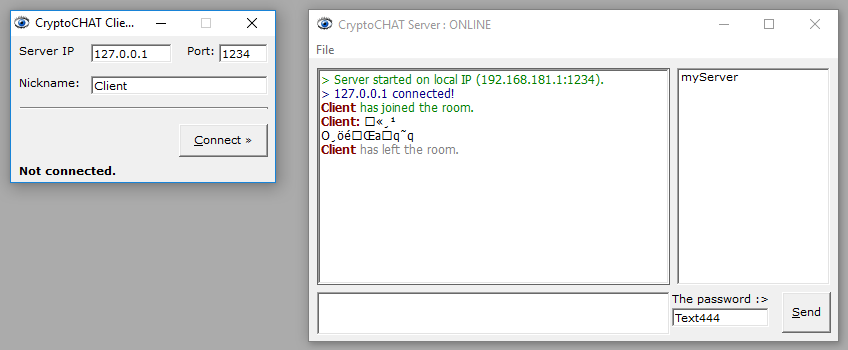
Only people who know the password you set — which you can change at any time — can decrypt messages sent through it. Everyone else just sees garbage. Every message is encrypted client-side with the Serpent cipher, which protects against man-in-the-middle and packet-sniffing attacks. Nothing is logged.
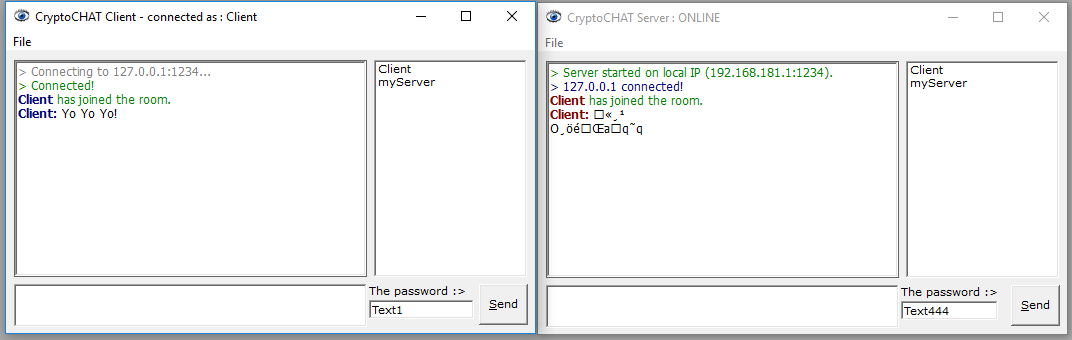
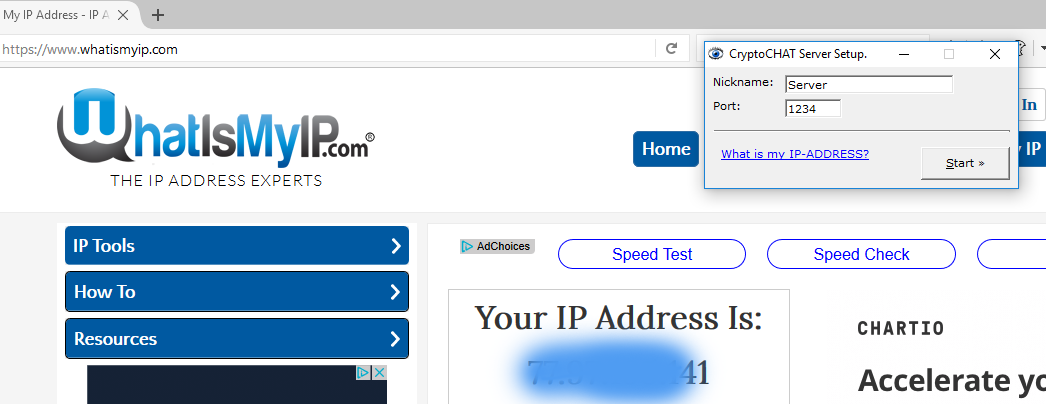
The client connects directly to the server over the admin's IP address — there's no central server involved, and since the protocol is custom-built, nobody else already knows how to read it. To join, you need the admin's current IP address, the port, and the shared password.
Moderation
The admin has two controls in this version: warn and boot. If someone misbehaves, warn them first; if it continues, disconnect them with one click.

Downloads
Free to use. Windows XP and later, or any system able to run VB6 runtimes — including ReactOS.